Offline mode

For us, offline isn't an emergency mode.
It's business as usual.

The loading dock of the big retailer is in the basement. The beverage cellar is reinforced concrete. The remote valley has one bar of signal — sometimes. Anyone who sells out in the field knows: you can't count on the network. So we built an app that doesn't need one.

1

07:30 — on the office Wi-Fi

Your rep opens the app over coffee. Quietly, in the background, it loads everything onto the device: their customers, the complete assortment and — crucially — the individual prices of every single customer.

2

10:15 — cellar warehouse, zero signal

Order for customer Roma AG: 12 crates, the volume tier kicks in automatically, category discount included. The app stores everything on the device and shows a discreet note: "Offline — orders are being saved locally."

3

10:40 — new customer next door

The business next door wants deliveries too. No problem: create the new customer (the address practically types itself thanks to address auto-completion), first order straight after — still with no network.

4

11:05 — back on the main road

The phone has signal again. The app transmits on its own: first the new customer, then their order, then everything else. In Shopify it looks as if it had all been captured online in the usual way. Which it was — just with a delay.
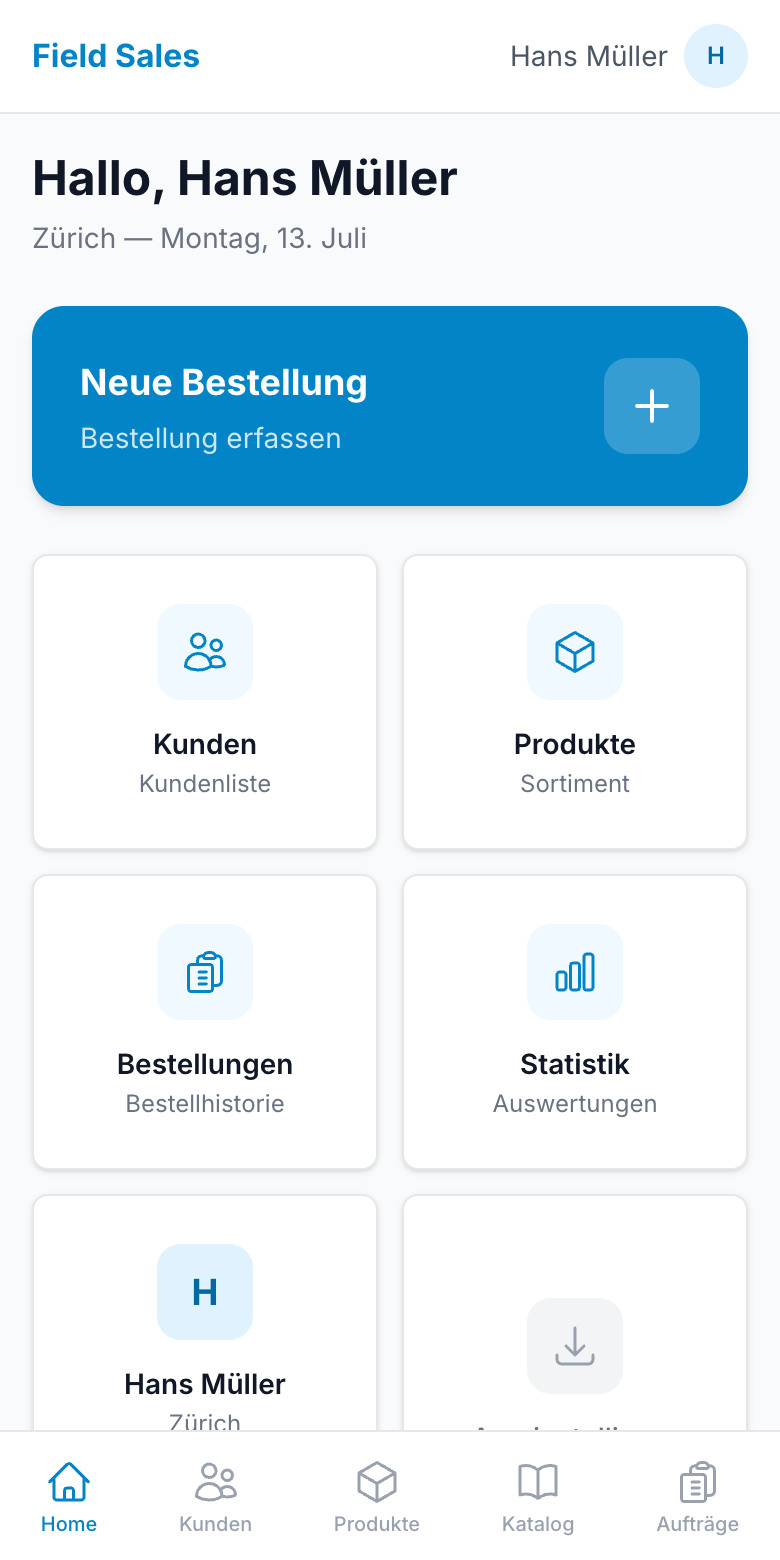
App dashboard
For non-techies

How can an app work without the internet?

The honest explanation, with no jargon at all:

🗄️

Like a well-stocked pantry

Most apps are like a shop: with every click they fetch the goods fresh from the internet — no network, no shop. Our app is like a pantry: whenever there is a network, it restocks (customers, products, prices). On the road, it simply serves itself from the stores.

📮

And a letterbox for the way back

New orders and new customers go into an outbox on the device. As soon as there is a network again, the app empties it automatically — in the right order and guaranteed without duplicates, even if the connection drops halfway through.

To be honest

What works offline — and what doesn't.

We don't promise anything physics can't deliver. Here's the whole truth:

FeatureWithout internet
View the customer list✓ works
Take an order with correct customer prices✓ works
Create new customers and supply them straight away✓ works (base prices; special terms follow after the sync)
Show PDF catalogues✓ works (preloaded automatically while online)
View order history & statistics✓ works (as of the last online visit)
Transfer to Shopifyneeds a network — happens automatically as soon as one is available
Very first setup & login on a new deviceneeds a network once

A tip from the field: put the app on the home screen (the app walks you through it on first launch). Then the stored data survives longer breaks too — even if the device has been offline for days.

Test it in flight mode.

Seriously: start the trial, load the app, switch your phone to flight mode — and take an order. That's exactly how we demonstrate it in the demo, too.